
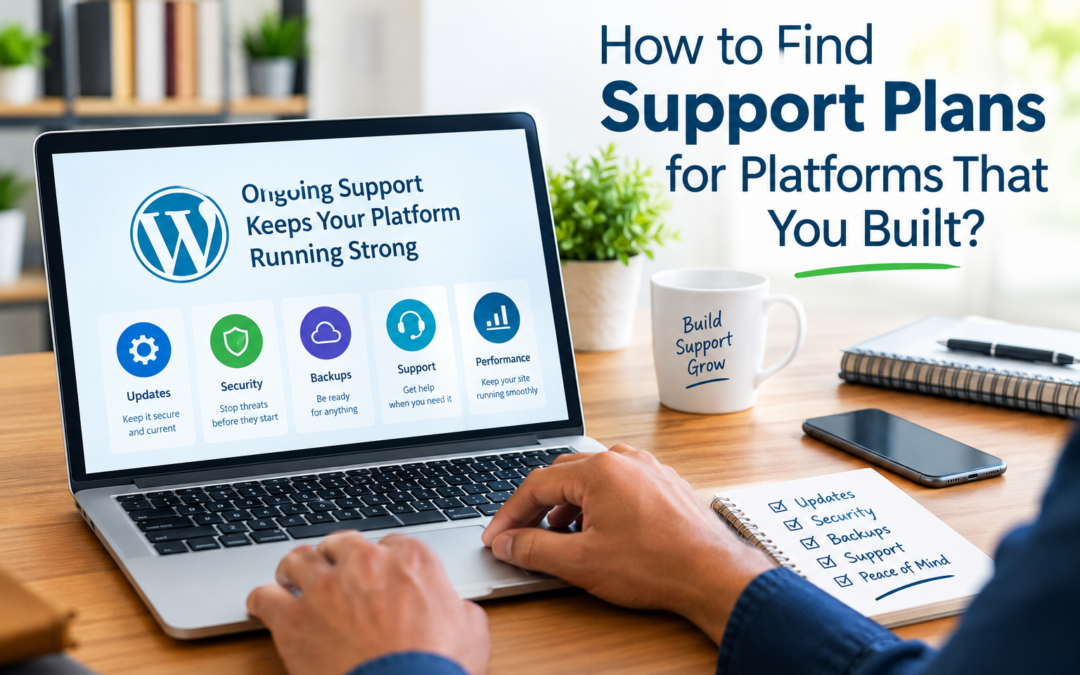
How to Find Support Plans for Platforms That You Built?
Building a digital platform—whether it’s a website, portal, learning system, or e-commerce experience—is a major accomplishment. You invested time, expertise, and vision to create something that meets real needs. But once the build is complete, a new challenge appears:
Who supports the platform after it’s launched?
Many organizations and agencies discover that building a platform is only the beginning. Long-term success depends on having the right support plan in place—one that respects how the platform was built while ensuring it stays secure, stable, and scalable. If you built the platform yourself—or inherited responsibility for something custom—finding the right support can feel daunting. This guide walks through how to find (or design) support plans for platforms you built, without sacrificing quality, control, or confidence.
Why “Built-In” Knowledge Doesn’t Replace Ongoing Support
When you build a platform, you understand it deeply—at first.
But over time:
-
Technologies change
-
Dependencies update
-
Security threats evolve
-
Team members move on
-
Documentation gets outdated
Even the most well-built platform needs fresh eyes and ongoing care.
Support is not about questioning the quality of the build—it’s about protecting it.
Step 1: Document What You Actually Built
Before looking for support, you must clearly understand and document the platform itself.
This includes:
-
CMS or framework used (WordPress, Laravel, custom stack, etc.)
-
Themes, plugins, libraries, and dependencies
-
Custom code and integrations
-
Hosting environment and configurations
-
Third-party services (email, payments, APIs)
Clear documentation allows potential support partners to evaluate the platform realistically and prevents misunderstandings later.
If documentation doesn’t exist yet, creating it should be your first support task.
Step 2: Identify What Needs Ongoing Support (and What Doesn’t)
Not every part of a platform needs constant attention. Break your system into categories:
Common ongoing support needs:
-
Security monitoring and patching
-
Software and dependency updates
-
Backups and disaster recovery
-
Performance monitoring
-
Bug fixes and technical troubleshooting
Occasional or optional support needs:
-
Feature enhancements
-
Design updates
-
Content assistance
-
SEO and accessibility improvements
Knowing this distinction helps you avoid paying for unnecessary services while ensuring critical areas are covered.
Step 3: Decide Between Internal Support vs External Support
Once you understand your needs, decide whether support should be handled internally, externally, or as a hybrid.
Internal support works best when:
-
You have technical staff available long-term
-
The platform is relatively simple
-
Documentation is strong
-
Support is not mission-critical
External support is ideal when:
-
The platform is complex or custom
-
Security and uptime are critical
-
Staff time is limited
-
You need expert oversight without full-time hiring
Many organizations choose a hybrid approach, keeping strategic control in-house while outsourcing monitoring, updates, and emergency response.
Step 4: Look for Support Providers Who Respect Custom Builds
Not all support providers are equipped—or willing—to support platforms they didn’t build.
When evaluating support partners, look for teams that:
-
Are comfortable reviewing and learning custom systems
-
Ask detailed technical questions up front
-
Avoid “one-size-fits-all” plans
-
Respect existing architecture instead of replacing it
A good support provider doesn’t say, “We didn’t build this.”
They say, “Help us understand how it works.”
Step 5: Request a Platform Audit Before Any Support Agreement
A professional support relationship should begin with an audit, not a contract.
A proper audit includes:
-
Code and dependency review
-
Security assessment
-
Performance evaluation
-
Hosting and infrastructure review
-
Risk identification
This audit benefits both sides:
-
You get clarity on risks and improvements
-
The support provider understands what they’re responsible for
Avoid providers who skip this step—they’re guessing, not supporting.
Step 6: Define a Support Scope That Matches Reality
Custom platforms require clear boundaries.
Your support plan should define:
-
What is included (updates, monitoring, fixes)
-
What is excluded (major new features, redesigns)
-
Response times and escalation paths
-
Communication channels
-
Documentation responsibilities
Clear scope protects the platform and the relationship.
Ambiguous support plans often fail not because of skill—but because of assumptions.
Step 7: Ensure the Plan Covers Security and Compliance
Custom builds are often more vulnerable than standard platforms because:
-
They rely on custom code
-
They may lack automated update paths
-
Fewer people understand them
Your support plan should include:
-
Security monitoring and alerts
-
Regular vulnerability checks
-
Secure access control
-
Backup verification and recovery testing
-
Compliance awareness (accessibility, data handling)
Security support is not optional—especially for platforms handling user data, donations, or logins.
Step 8: Prioritize Knowledge Transfer and Documentation Updates
A strong support plan includes knowledge preservation.
This may involve:
-
Updating technical documentation
-
Creating runbooks for emergencies
-
Documenting deployment and recovery processes
-
Sharing architectural decisions
Support providers should help keep documentation current—not let it decay.
This ensures your platform remains supportable even if teams change.
Step 9: Look for Proactive Monitoring, Not Just Break-Fix Support
Support plans for self-built platforms should emphasize prevention.
That includes:
-
Uptime monitoring
-
Performance alerts
-
Error logging and review
-
Dependency risk tracking
Break-fix support waits for failure.
Proactive support prevents it.
Step 10: Confirm Transparency and Reporting
You should always know:
-
What was monitored
-
What was updated
-
What risks were identified
-
What recommendations exist
Support plans should include regular reporting in clear, non-technical language when needed.
Transparency builds trust and helps leadership understand the platform’s health.
Step 11: Validate That Support Can Scale With Your Platform
The platform you built today won’t look the same in two years.
Your support plan should adapt to:
-
Increased traffic
-
New features or integrations
-
Higher security expectations
-
Expanded user roles
Ask support providers how they handle growth—not just maintenance.
Step 12: Avoid “Cheap” Support for Custom Platforms
Custom platforms are not commodities.
Low-cost support plans often:
-
Avoid custom code
-
Skip security depth
-
Limit response quality
-
Fail during emergencies
Support should reflect the value of the platform—not undercut it.
Step 13: Build a Partnership, Not a Dependency
The best support plans:
-
Empower your team
-
Share knowledge
-
Encourage good practices
-
Reduce risk over time
Support should not trap you—it should strengthen your platform’s independence and longevity.
Final Thoughts: Protect What You Built
Building a digital platform is an achievement worth protecting.
The right support plan:
-
Respects the original architecture
-
Provides proactive care
-
Preserves institutional knowledge
-
Adapts as the platform grows
-
Acts as a trusted technical partner
Finding the right support for a platform you built isn’t about letting go—it’s about ensuring what you built continues to thrive. If your organization needs some Support Assistances, then we are available and can be reached by clicking here.